

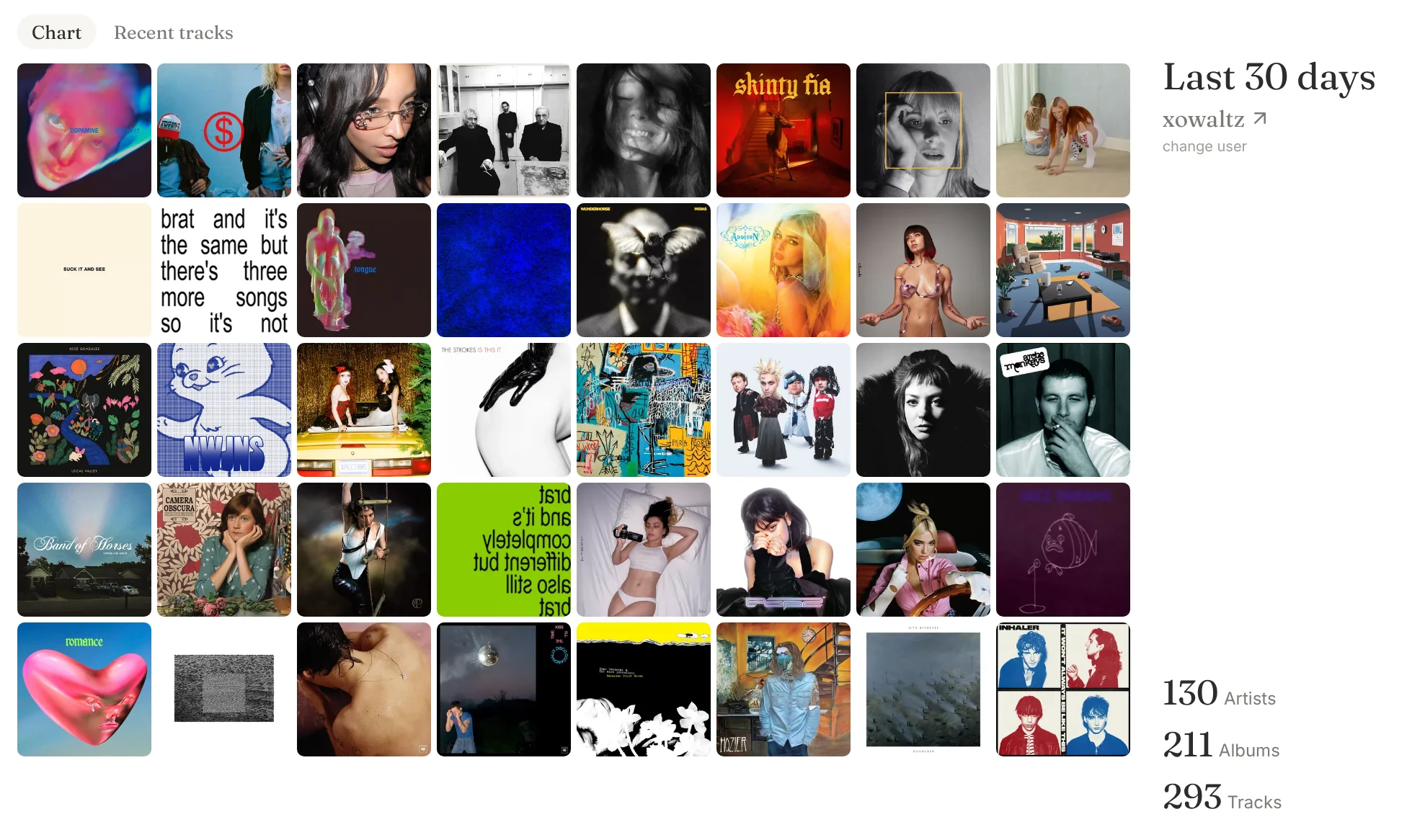
Listening statistics widget for your Notion page
- Role
- Product Designer
Vibe Coder
A little bit Actual Coder - Timeline
- One Wednesday Afternoon
- Skills
- Product Design
Frontend Developing
LLM
Overview
What if there was a way to show your recently listened tracks & albums on your Notion page?
If you’re not a very specific kind of nerd, you’ve probably never asked yourself that question. I happen to be this very specific kind of nerd; I love music and I love stats and I love a cute Notion homepage. This led me to scour the internet for a last.fm widget created specifically for Notion, and I couldn’t find anything.

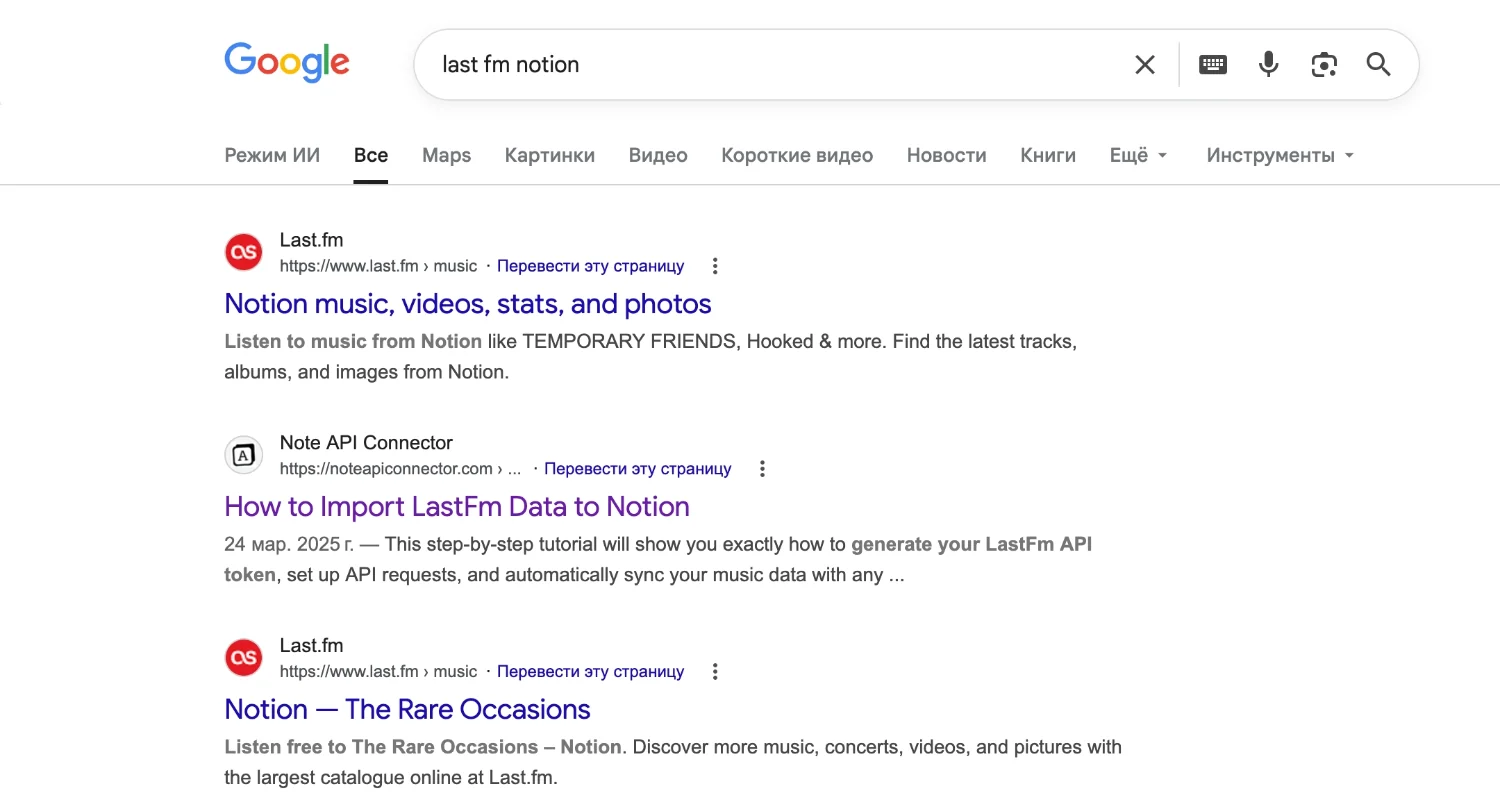
Also, I kind of didn’t explain what last.fm is. Or what Notion is, for that matter. Hope you’re still with me.
Solution
A Notion widget that dynamically presents your last.fm music stats, optimized to your Notion dashboard layout
-
Adjust the widget to your layout without breaking it -
Toggle between ‘chart’ and ‘recent tracks’ view -
See your listening history for the last 7, 30, 90, 365 days, or all time.
Outcome
First last.fm chart generator made specifically for Notion
The widget is live — enter your username or use mine: xowaltz.
- Posted to r/lastfm on launch day — 19 users from 7 countries tried the widget, with 3 leaving positive comments. There are more than a dozen of us!!!
- Months later, the widget still has 40+ regular users, with a hundred page views a month.
Problem
There’s no way to easily present your last.fm listening data on your Notion homepage.
Pain points
last.fm page itself doesn’t work as an embed, it just copies as a bookmark
Data aggregators made with last.fm API aren’t made with Notion in mind
Competitor research
Notion widgets
Plenty of weather, timer, calendar, clocks… Not much for music.
Last.fm chart and stats generators
last.fm has an accessible API, so there are plenty of user-made tools out there. But no one has developed an app specifically for Notion before.
Design process
How do I create a visually pleasing & responsive Notion widget for my listening stats?
I’ve worked with APIs before, and I can code with HTML and CSS, but JavaScript isn’t my strong suit. So I used Claude to help me with the initial setup. I thought the idea was simple enough to be done in the chat without figuring out what an MCP is.
My first prompt:
Can you make a notion widget that connects to my last.fm? like, shows the last month’s topster in real time
I added the result to a GitHub repo and deployed it through Vercel.
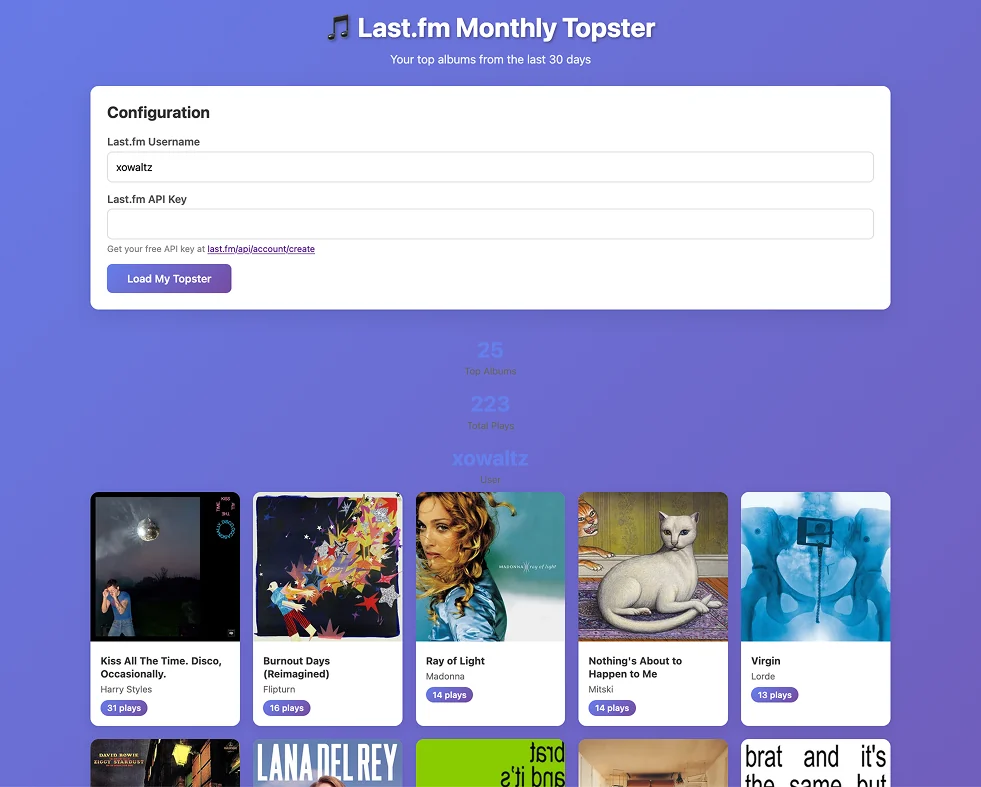
Claude handled the API integration, but misunderstood design constraints
Last.fm’s API is well-documented and Claude handled the integration smoothly. But the Notion aesthetic is nowhere in sight. I had to be specific about what I want, define the functionality, and craft the visual design around:
- Notion’s embed constraints
- Responsive grid that works at multiple widths
- Visual language matching Notion’s aesthetic
Creating a UI prototype tailored to Notion
I ended up creating a prototype of the widget in Figma, using a screenshot of a Notion page as a backdrop, copying the HTML code from Dev mode into Claude, and specifying my requirements.
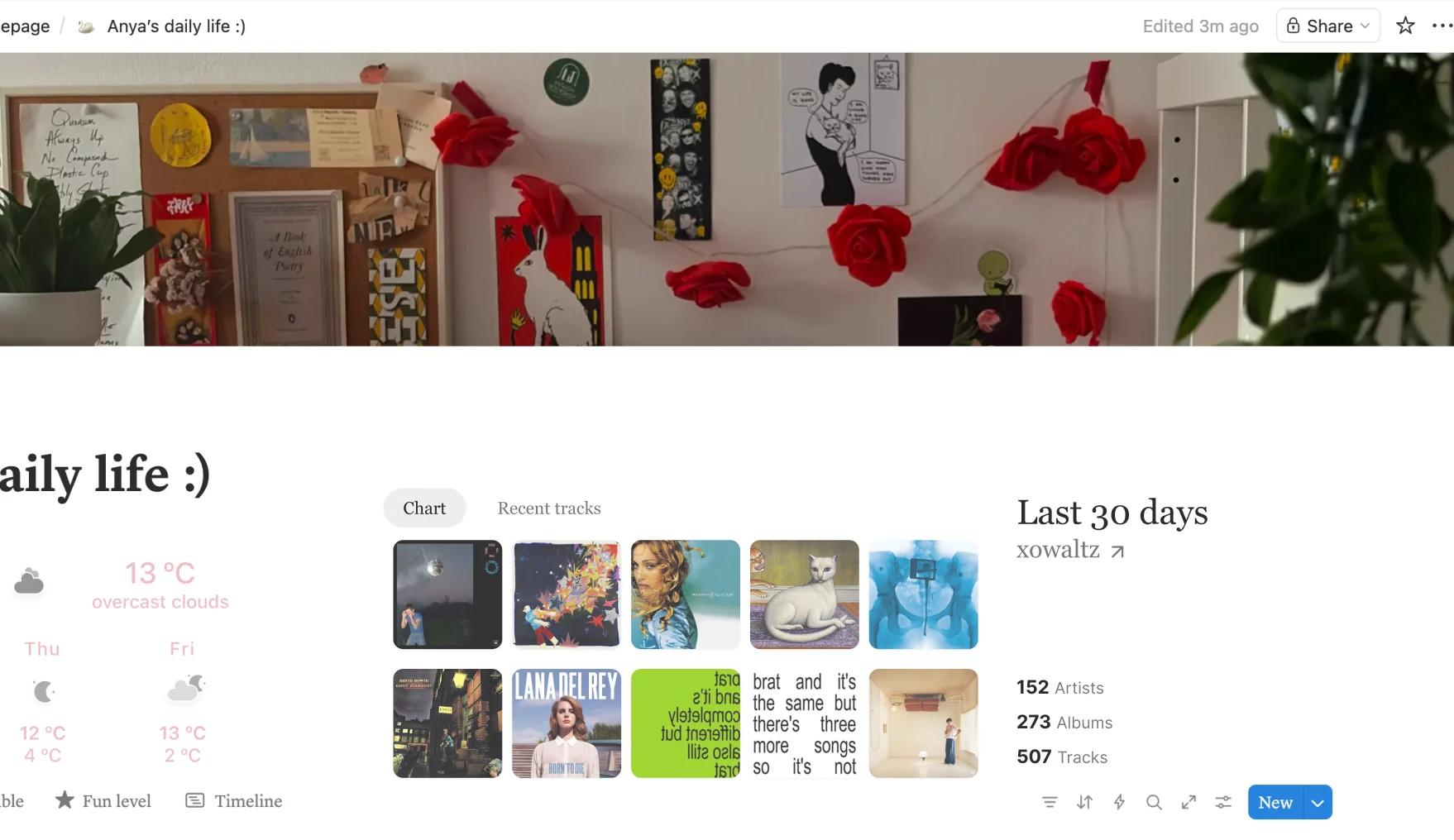
Album grid is music nerds’ favorite layout → main view
Time range picker on the right to match the pattern already familiar from last.fm
Adjusted the font styles, colors and spacing to match with Notion’s visual language
Specific requirements & HTML from dev mode brought me closer to the desired look, but I still needed to adjust the code manually.
Claude variants:
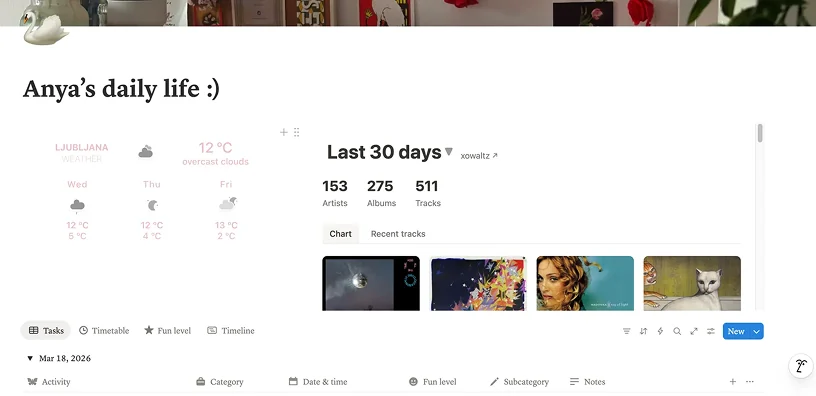
Too much white space + controls on top don’t work for Notion layout
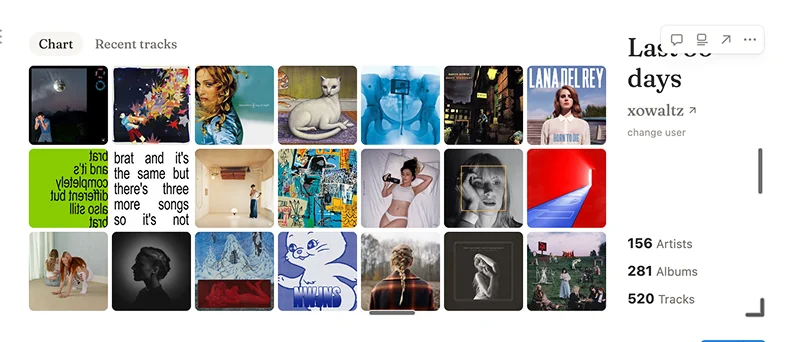
Notion controls on top right hide the widget content, making it harder to use
Code adjustments:
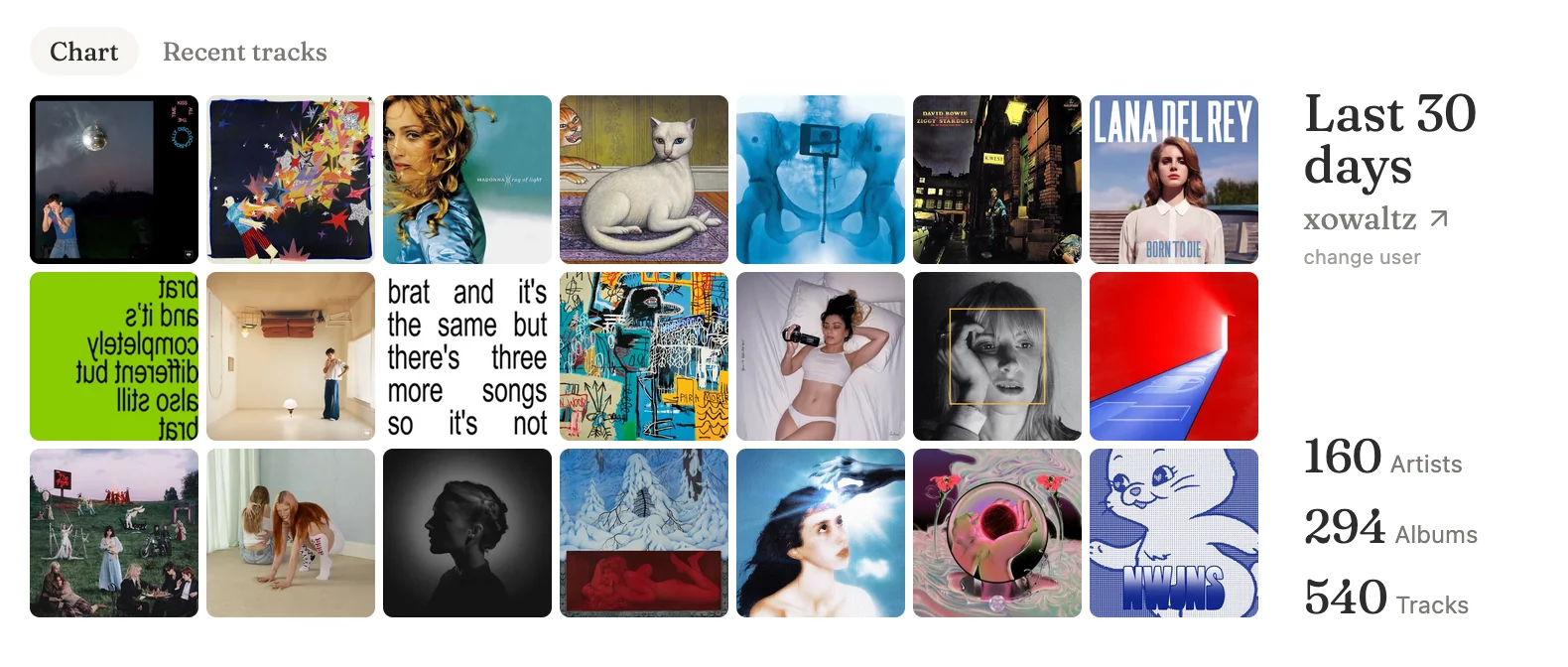
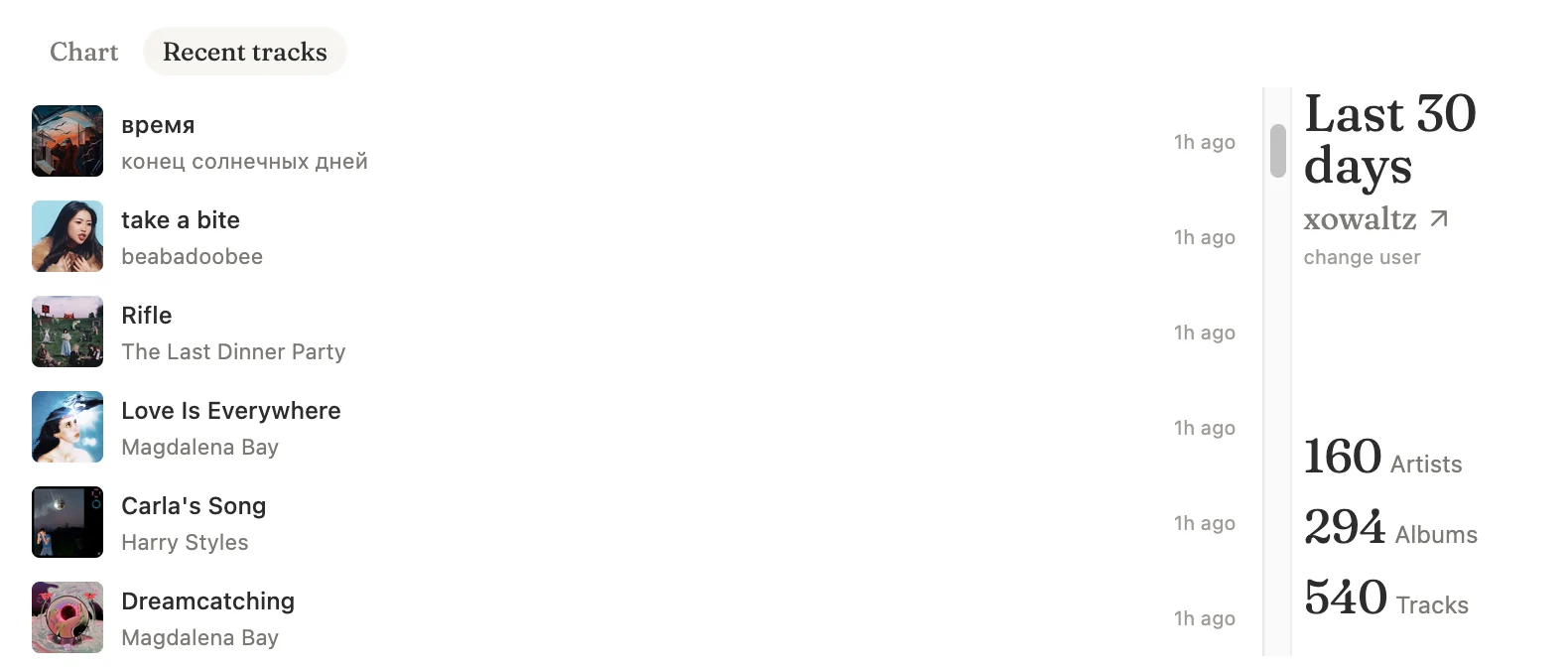
Moved down the header to make space for the Notion controls
Made hover transitions responsive
Removed scrolling on the chart view, as it made it harder to scroll the Notion page
Final design
Last.fm widget, optimized for Notion
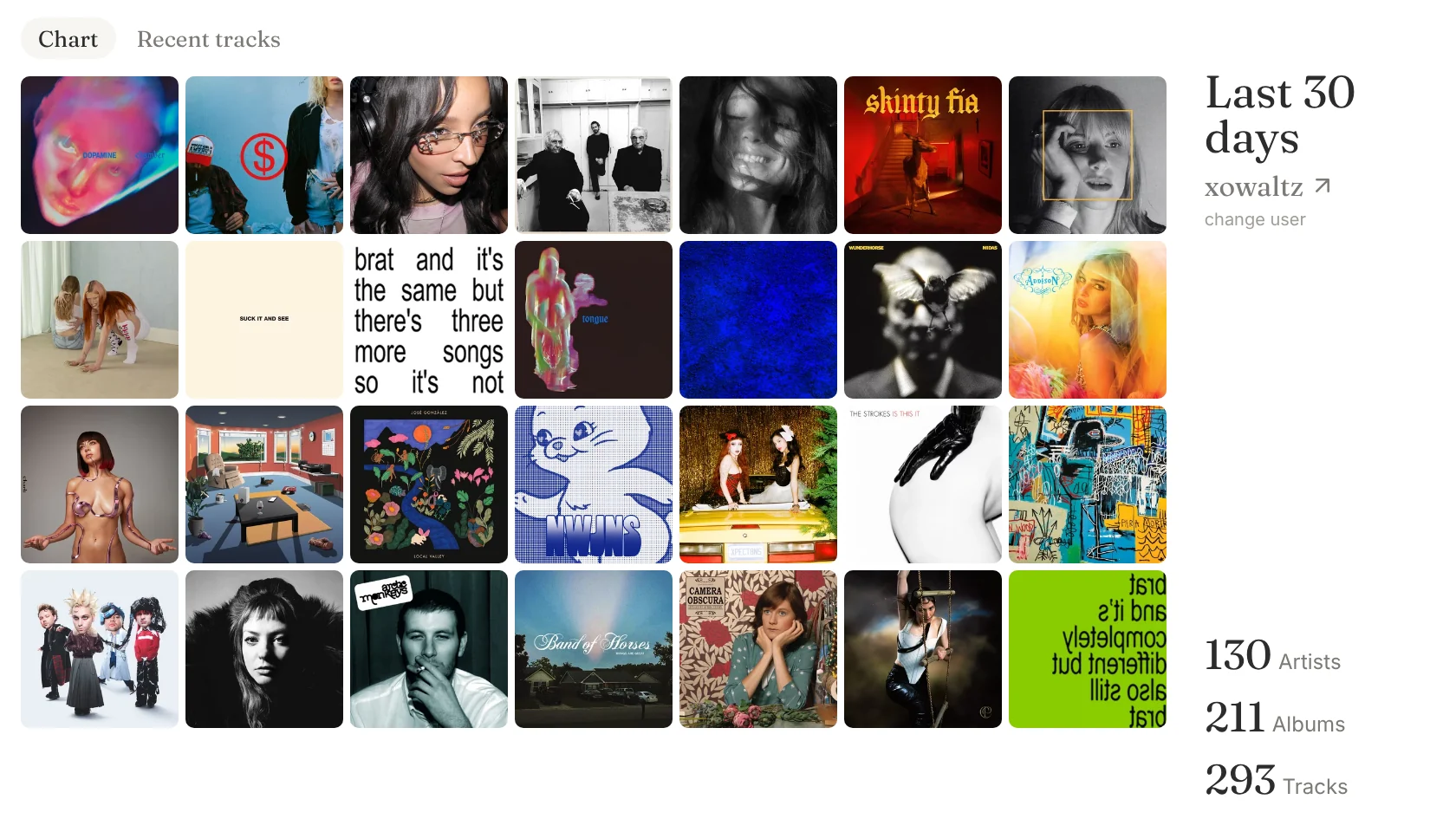
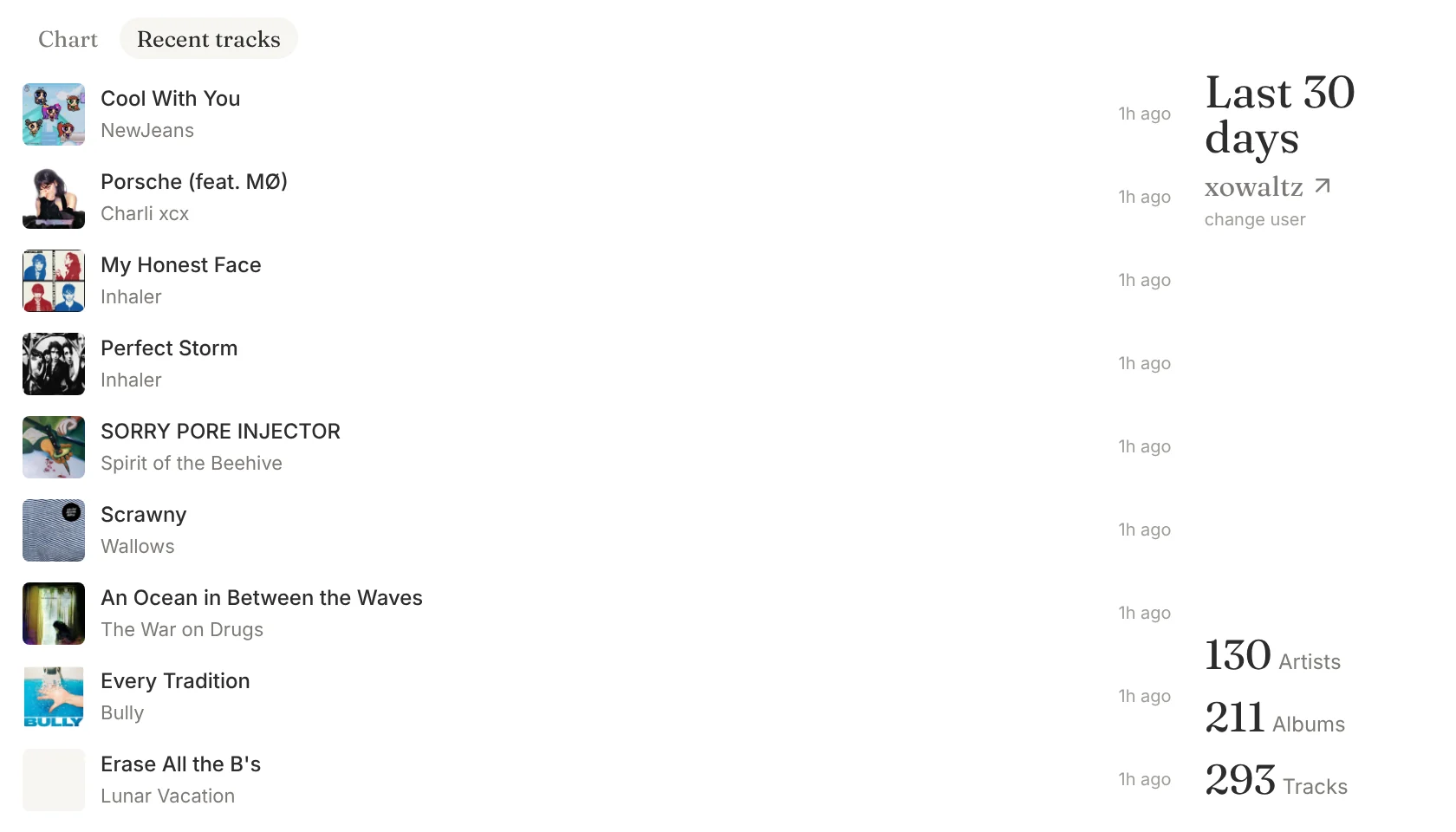
I designed and built a responsive last.fm widget for Notion (Figma → HTML/CSS/JS, deployed on Vercel). The widget presents your listening statistics as an album grid, with an option to choose time range. Recent tracks tab shows your listening history. Claude supported the initial JS scaffolding. I refined layout, styling, and interaction details.
Insights
But seriously, this was my first time using Vercel and deploying a GitHub repo live to web, and I made a useful (at least to the target audience of 40+ nerds) widget! Don’t be afraid to try things out & bring your ideas to life.
What’s next
See more

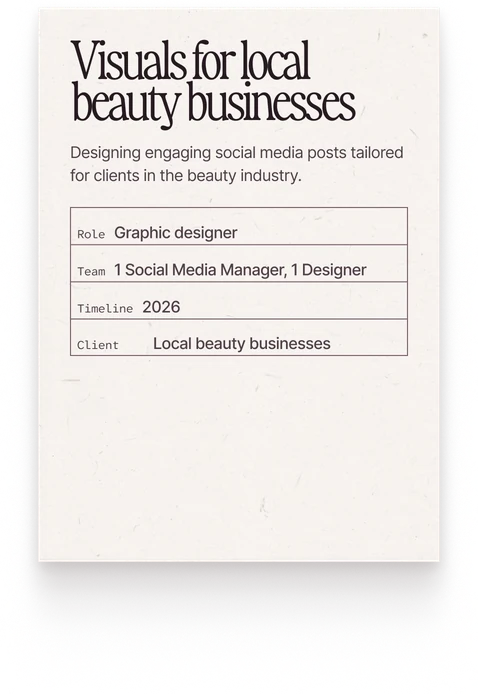
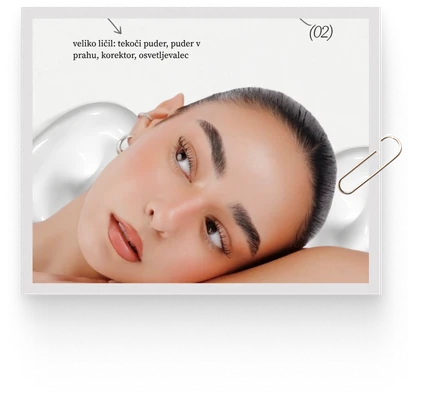
Visuals for local beauty businesses
Designing engaging social media posts tailored for clients in the beauty industry.
- Role
- Graphic designer
- Team
- 1 Social Media Manager, 1 Designer
- Timeline
- 2026
- Client
- Local beauty businesses
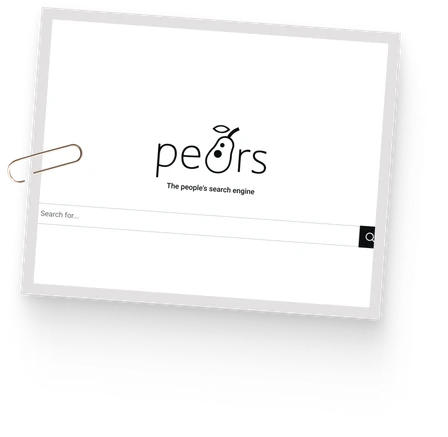
PeARS Search Engine
Making contributing to an open-source search engine faster & simpler
- Role
- UX consultant, Product designer
- Team
- 1 designer, 1 engineer
- Timeline
- Jan–Mar 2024
- Client
- Denotation